Fornitore: ProtoArc
EM25 Fast-Scroll Ergonomic Mouse
Descrizione
ProtoArc EM25 is a fast-scroll ergonomic mouse designed to help you move through long pages, spreadsheets, and documents more efficiently. With a 1000-line high-speed scroll wheel and thumb wheel control, it reduces scrolling effort while keeping navigation smooth and precise.
It also supports web-based button customization and macro creation, so you can assign shortcuts and automate repetitive actions without downloading software. Combined with up to 8000 DPI precision, quiet clicks, rechargeable power, and multi-device connectivity, EM25 is built for productivity-focused workflows.
bolt1,000 Lines/S Fast Scrolling
swap_horizThumb Scroll Wheel
auto_fix_highMacro Customization
devicesConnect Up to 3 Devices
pan_toolErgonomic Comfort
ads_click8000 DPI Precision
Overview
EM25 Setup & Driver Guide
Set up button customization, macros, and advanced controls through the EM25 web-based tool. No software download required.
Open EM25 Setup GuideWhy Choose ProtoArc EM25
ProtoArc EM25 is designed for people who want to move faster through their work without giving up control. Its high-speed scroll wheel helps you fly through long pages, spreadsheets, and documents, while the thumb wheel makes horizontal navigation smoother and more efficient.
With web-based customization and macro support, you can assign shortcuts and automate repetitive actions to streamline your workflow. Add ergonomic comfort, quiet clicks, rechargeable power, multi-device switching, and up to 8000 DPI precision, and EM25 becomes a practical mouse for modern productivity.
FAQ
1. How many devices can ProtoArc EM25 connect to?
EM25 can connect to up to 3 devices at the same time through 2.4G USB and two Bluetooth channels. You can switch between devices with a simple button press.
2. Which operating systems are supported?
EM25 supports Windows, macOS, ChromeOS, iPadOS, and Android for general use, including pointer movement, scrolling, and basic functions.
3. Which systems support driver and customization?
The driver and customization features, including button remapping and macro setup, are supported on Windows and macOS only. A USB connection is required during setup.
4. Which browsers are supported for customization?
The web-based customization tool works with Google Chrome, Microsoft Edge, and Opera browsers.
5. Is the mouse rechargeable?
Yes. EM25 has a built-in 500mAh rechargeable battery and includes a Type-C cable for charging.
6. Is it suitable for quiet environments?
Yes. The left and right buttons are designed with quiet clicks, making EM25 suitable for offices, libraries, and shared workspaces.
7. Where can I find the EM25 setup and driver guide?
You can open the official EM25 setup and configuration guide here: Open EM25 Setup Guide
Potrebbe piacerti anche
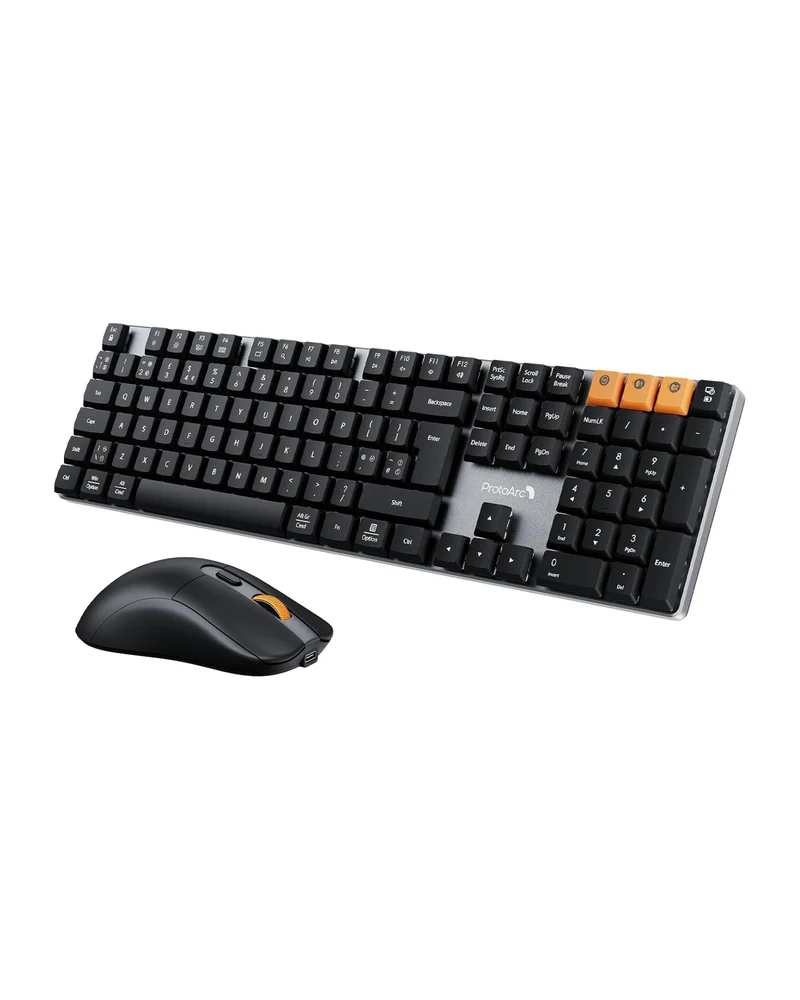 In offertaKM310 Mechanical Keyboard and Mouse Combo (UK Layout)ProtoArc
56,69 €39,31 €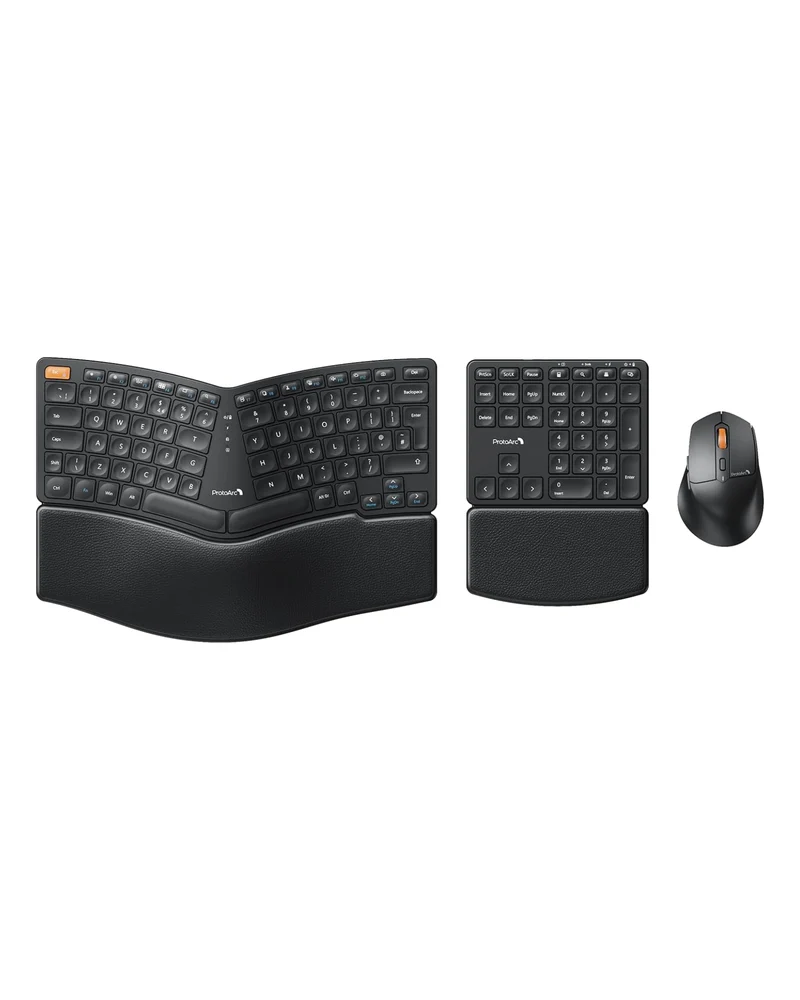 In offertaEKM04 Ergonomic Keyboard Mouse Combo (UK Layout)ProtoArc
52,33 €30,21 €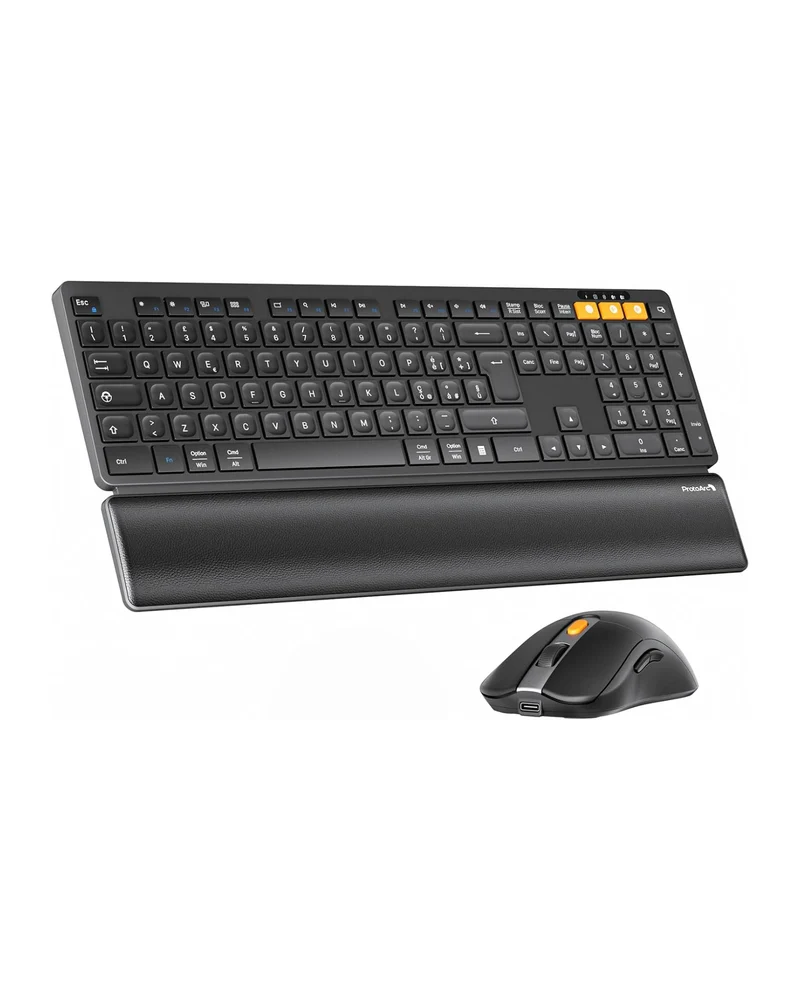 In offertaKM60 Tastiera e Mouse Wireless Combo (IT Layout)ProtoArc
38,78 €23,01 €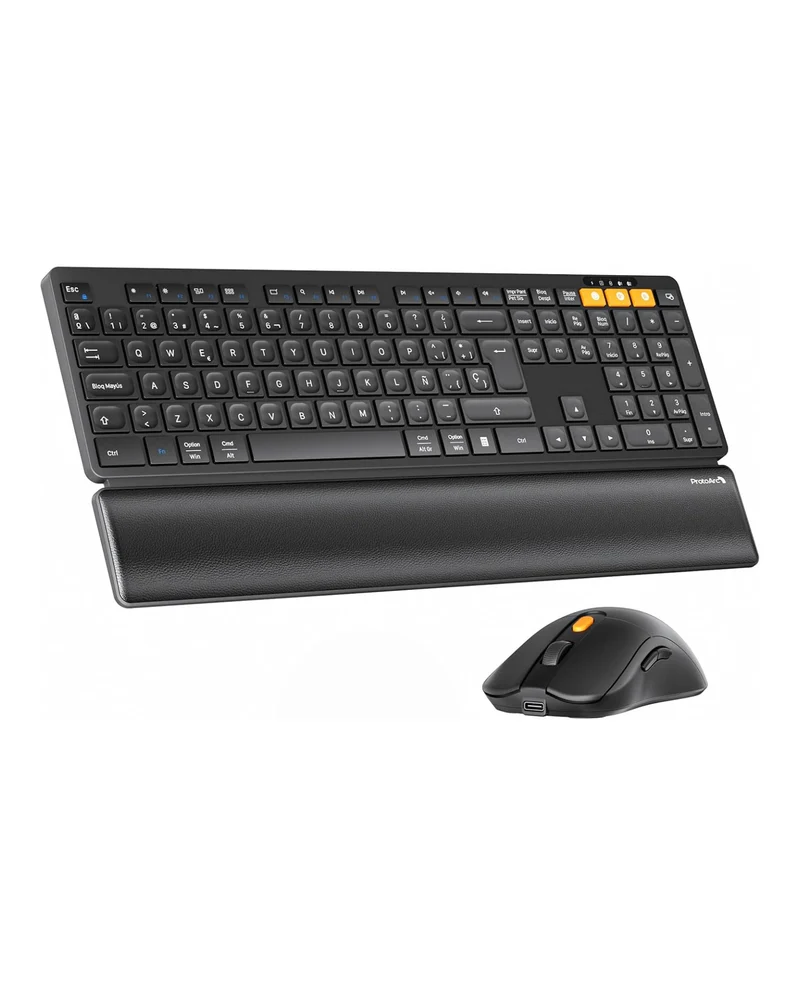 In offertaKM60 Teclado y Ratón Inalámbrico Combo (ES Layout)ProtoArc
39,25 €22,76 €