Fornitore: ProtoArc
SM002 Unifying USB Receiver
5,16 €8,64 €40% OFF
Descrizione
USB Receiver Pairing
Tutorial:
for ProtoArc dual mode mice, keyboards
and
combos
1. For 2.4G mode (ensure the mouse is currently in 2.4G mode):
- Press and hold the middle scroll button and the left and right click buttons simultaneously for 5 seconds until the 2.4G indicator light (channel indicator light 1) flashes.
- Insert the 2.4G USB receiver into your device, and the mouse will connect to your device automatically.
1. For 2.4G mode (ensure the keyboard is currently in 2.4G mode):
- Insert the USB receiver into your device.
- Turn on the keyboard and press the Esc and + buttons simultaneously for 3 seconds to enter pairing mode. If the USB mode indicator light starts flashing, it means the keyboard has entered pairing mode.
- Once the keyboard is in pairing mode, quickly unplug and plug in the USB receiver.
- This will successfully re-pair the keyboard with the USB dongle.
Potrebbe piacerti anche
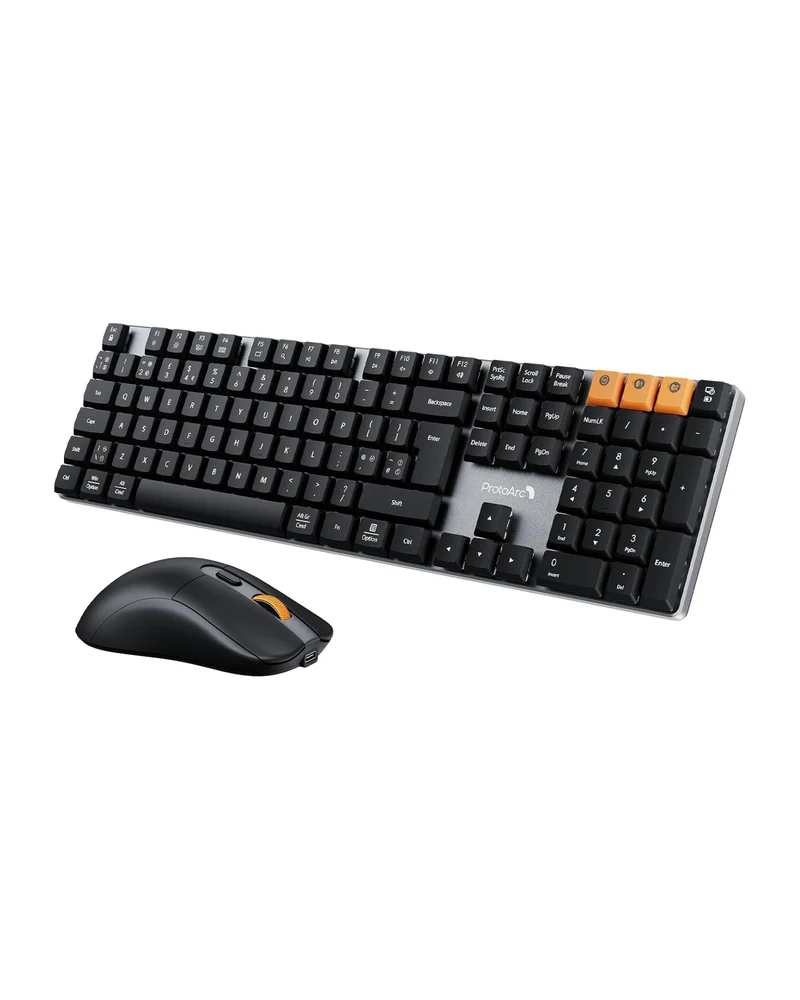 In offertaKM310 Mechanical Keyboard and Mouse Combo (UK Layout)ProtoArc
56,69 €39,31 €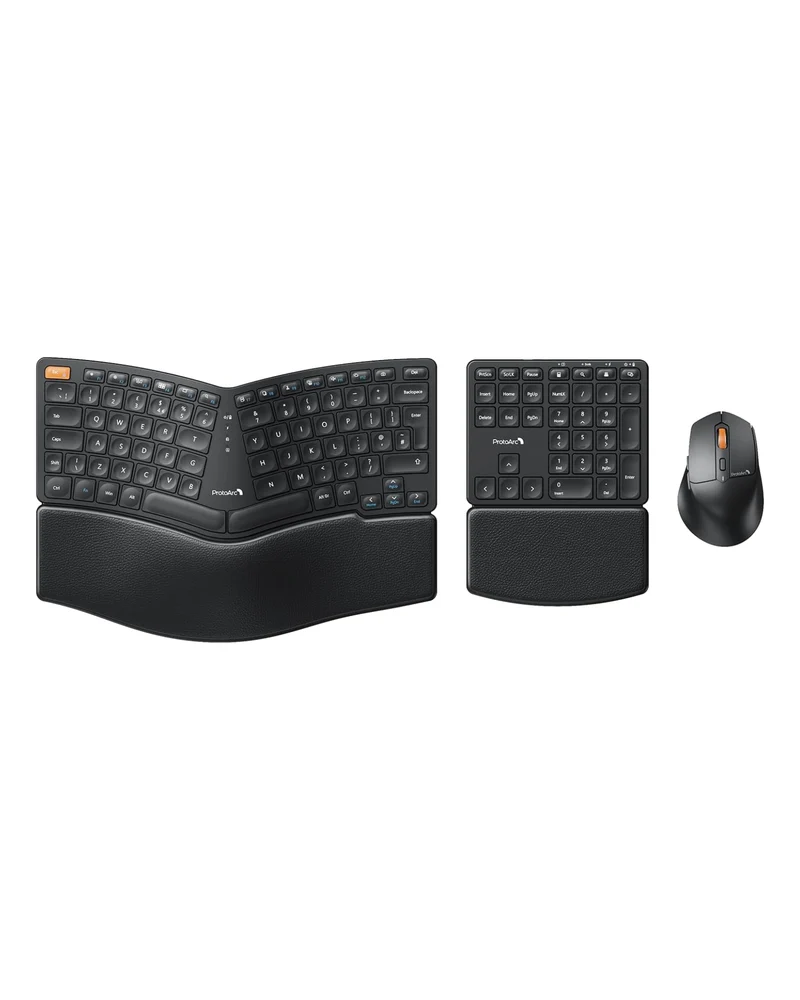 In offertaEKM04 Ergonomic Keyboard Mouse Combo (UK Layout)ProtoArc
52,33 €30,21 €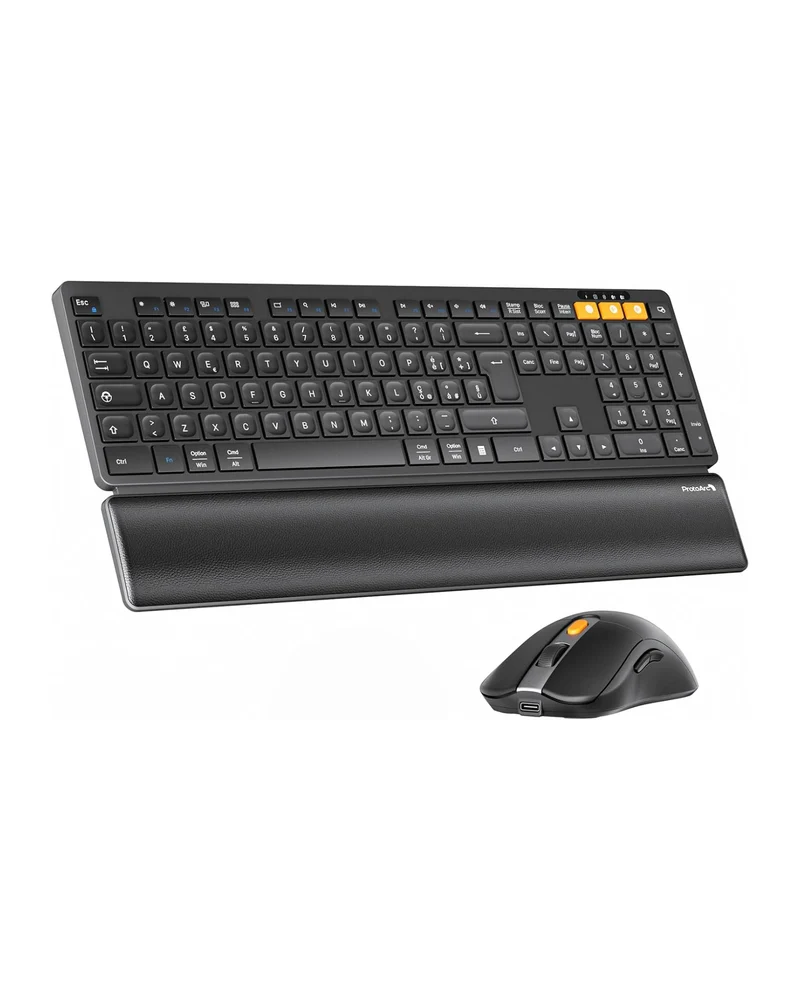 In offertaKM60 Tastiera e Mouse Wireless Combo (IT Layout)ProtoArc
38,78 €23,01 €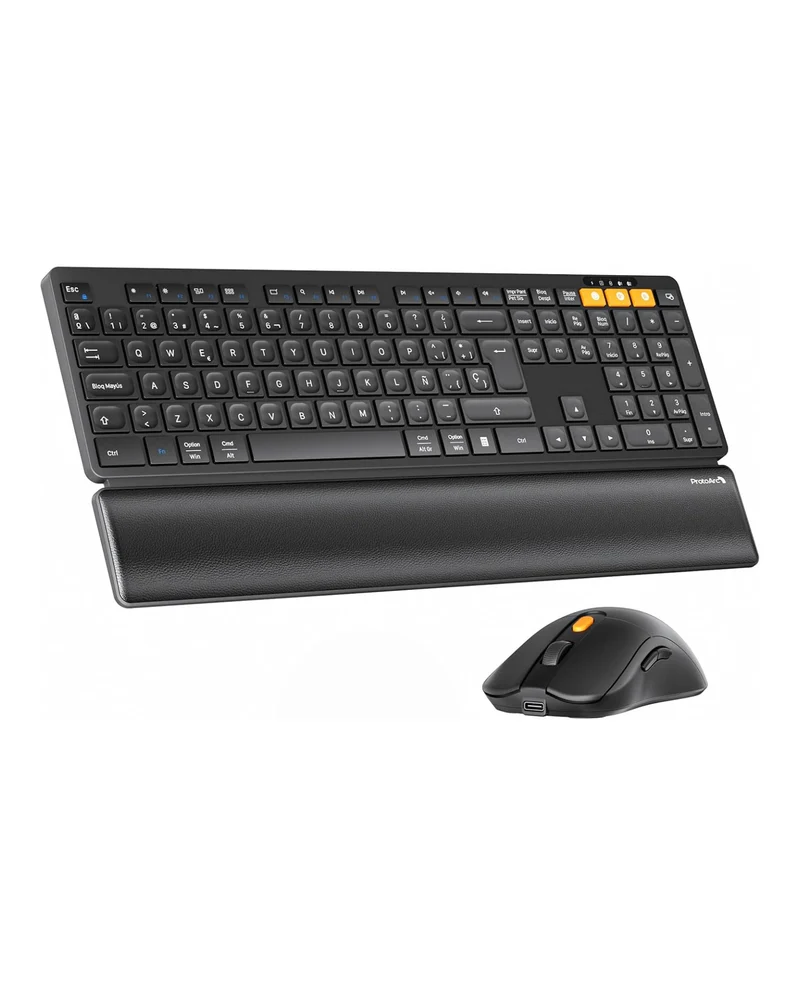 In offertaKM60 Teclado y Ratón Inalámbrico Combo (ES Layout)ProtoArc
39,25 €22,76 €